
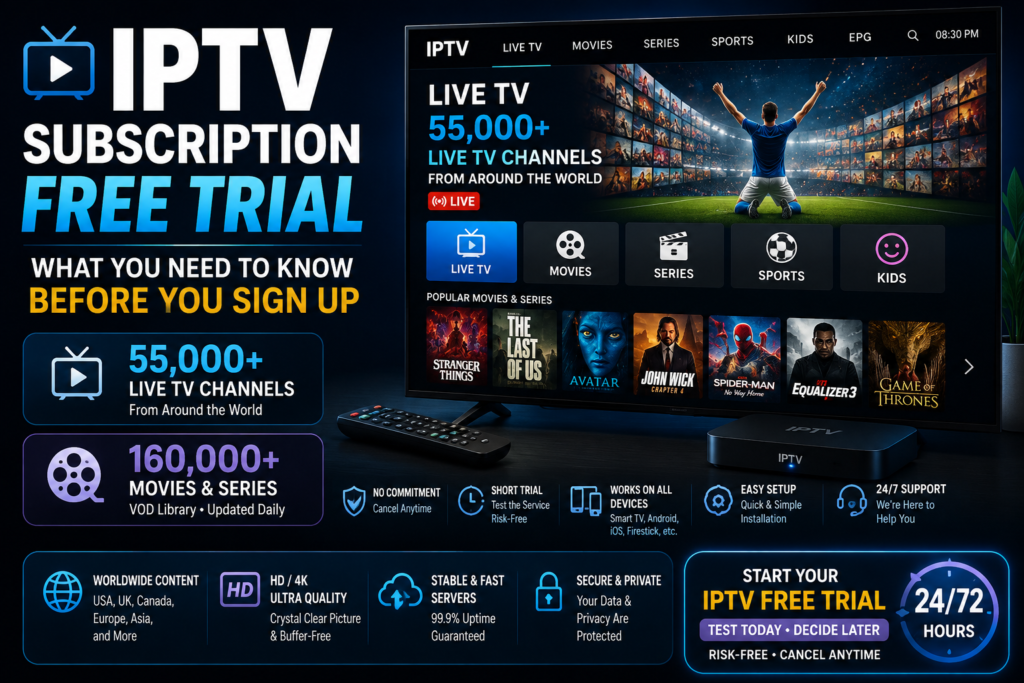
IPTV Subscription Free Trial: What You Need to Know Before You Sign Up
Finding a reliable streaming service can feel like a gamble. You read glowing reviews, watch a few demo clips, and still wonder if the channels will actually load when you sit down to watch the game. This is exactly why an iptv subscription free trial has become the go-to first step for anyone curious about internet television. Instead of trusting marketing screenshots, you get to test the streams yourself, on your own device, in your own living room.
In this guide, we’ll walk through everything worth knowing about free IPTV trials — how they work, what to look for, common pitfalls, and how a provider like ChromaIPTV approaches the trial process differently than most of the crowded market.
What Is an IPTV Subscription Free Trial?
An IPTV subscription free trial is a short, no-commitment period — usually anywhere from a few hours to a few days — where a provider lets you access their channel lineup, video-on-demand library, and app before you pay a cent.
Think of it like a test drive. You’re not buying the car yet. You’re checking if the engine runs smoothly, if the seats are comfortable, and if it actually gets you where you need to go.
For IPTV specifically, that means checking:
- Whether channels load without buffering
- Picture quality across SD, HD, and 4K streams
- How stable the connection stays during peak hours
- Whether the electronic program guide (EPG) is accurate
- App compatibility with your device (Android, Firestick, Smart TV, etc.)
Once you’ve confirmed all of that works, you can decide with confidence whether a paid plan is worth your money.
Why an IPTV Free Trial Matters More Than You Think
The IPTV industry is flooded with providers making big promises. Some deliver. Many don’t. A trial period acts as a filter, separating legitimate services from ones that oversell and underdeliver.
Here’s the reality: streaming quality depends on server infrastructure, not just marketing copy. A company can list thousands of channels, but if their servers can’t handle simultaneous connections, you’ll be staring at a spinning wheel during your favorite show.
This is why testing through a Free IPTV Trial before committing to a monthly or yearly plan is simply smart shopping. You wouldn’t buy shoes without trying them on — streaming services deserve the same caution.
The Financial Angle
IPTV subscriptions aren’t expensive compared to traditional cable, but they still add up over a year. Testing first protects your wallet from wasted subscriptions to services that don’t fit your setup.
The Technical Angle
Not every household has the same internet speed, router setup, or device ecosystem. A trial reveals compatibility issues before they become a recurring headache.
Key Features to Look for During a Free Trial
Not all trials are created equal. Some only give you access to a handful of channels, while others open the full library. Here’s what a genuinely useful trial should include:
- Full channel access — not a limited demo package
- VOD library preview — movies and series, not just live TV
- Multi-device testing — Android, iOS, Smart TV, Firestick
- EPG functionality — so you can check listings and schedules
- No hidden card charges — a trial shouldn’t auto-bill you without clear consent
- Customer support access — to see how responsive the team actually is
If a provider hides most of these behind a paywall during the “trial,” it’s not really a trial — it’s a teaser.
Benefits of Testing an IPTV Service Before You Subscribe
Beyond the obvious “try before you buy” logic, there are several concrete advantages to testing an IPTV service first.
1. You Confirm Real-World Performance
Buffering, freezing, and pixelation usually show up during peak viewing hours — evenings and weekends. A trial period that spans a couple of days lets you catch these issues before committing.
2. You Check Device Compatibility
IPTV runs on Android boxes, Firestick, smart TVs, tablets, and PCs. A trial confirms the app installs cleanly and runs smoothly on whatever device you actually own.
3. You Evaluate Channel Selection
Sports fan? News junkie? International channel seeker? A trial lets you verify the exact channels you care about are actually included and working, not just listed in a spreadsheet.
4. You Test Customer Support
Send a support message during your trial. How fast do they respond? Is the answer helpful or a copy-paste template? This tells you a lot about what to expect after you pay.
5. You Avoid Long-Term Regret
Nothing’s worse than locking into a 12-month plan only to discover buffering issues in week two. Testing first removes that risk almost entirely.
How to Get Started with a Free IPTV Trial
Getting a trial set up is usually straightforward, but a little preparation goes a long way.
Step 1: Check Your Internet Speed
IPTV needs a stable connection. For HD streaming, aim for at least 15-20 Mbps; for 4K, you’ll want 40 Mbps or higher. Run a quick speed test before signing up so you know your baseline.
Step 2: Choose Your Device
Decide where you’ll be watching most — Android box, Firestick, smart TV app, or mobile phone. This helps you download the correct app format from the start.
Step 3: Request the Trial
Head over to a provider’s trial page and submit your request. For example, the ChromaIPTV Free Trial page walks you through a simple signup process where you get trial credentials sent to you quickly.
Step 4: Install the App
Download the IPTV player app compatible with your device — most services support popular apps like IPTV Smarters, TiviMate, or their own branded player.
Step 5: Test Everything
Don’t just flip through a few channels and call it done. Watch during prime time, test on multiple devices if possible, and check the VOD section too.
ChromaIPTV Free Trial: How It Works
ChromaIPTV built its trial process around a simple idea: let users see the real product, not a stripped-down sample. When you sign up, you get access to the live channel lineup and on-demand content just like a paying subscriber would.
The setup is designed to be beginner-friendly. Within minutes of requesting access, you receive your login details and can start streaming on Android, Firestick, or Smart TV without needing technical expertise.
This approach has made ChromaIPTV a popular starting point for people who’ve been burned before by trials that felt more like bait-and-switch tactics than genuine previews.
What You Get During the ChromaIPTV Trial
- Access to thousands of live channels across sports, news, entertainment, and international categories
- Movies and TV series in the VOD section
- Multi-device compatibility testing
- Support access to answer setup questions
Why Choose ChromaIPTV?
With so many IPTV providers competing for attention, it’s fair to ask what actually sets one apart from the rest. ChromaIPTV has built its reputation around a few consistent priorities rather than flashy promises.
Stable Streaming Infrastructure
A big chunk of IPTV complaints online come down to buffering and server crashes during high-traffic hours. ChromaIPTV invests in server capacity built to handle simultaneous streams without the typical slowdown many budget services experience during evenings and weekends.
Straightforward Setup Process
You don’t need to be tech-savvy to get ChromaIPTV running. The app installation process is guided, and support is available if something doesn’t work as expected on your first try.
Wide Channel and VOD Library
ChromaIPTV covers a broad spread of categories — sports, movies, international channels, news, and entertainment — so it fits different types of households, not just one type of viewer.
Transparent Trial Access
Instead of a watered-down demo, the ChromaIPTV free trial mirrors the actual paid experience closely, which is precisely why it’s worth testing before assuming anything about the service.
Responsive Support Team
Setup questions, buffering issues, device compatibility — these things come up. ChromaIPTV’s support channel is built to actually respond, rather than leave users stuck mid-setup.
None of this means ChromaIPTV is flawless — no streaming service is. But it does explain why it’s frequently mentioned as one of the more dependable options for people testing IPTV for the first time.
IPTV on Android: What to Expect
Android remains one of the most popular platforms for IPTV streaming, whether through a phone, tablet, Android TV box, or Firestick (which runs a modified version of Android).
Why Android Works Well for IPTV
- Wide app compatibility — most IPTV players support Android natively
- Affordable hardware — Android boxes are inexpensive compared to other streaming devices
- Flexible app installation — sideloading APKs is straightforward on Android
- Strong community support — troubleshooting guides are widely available

