
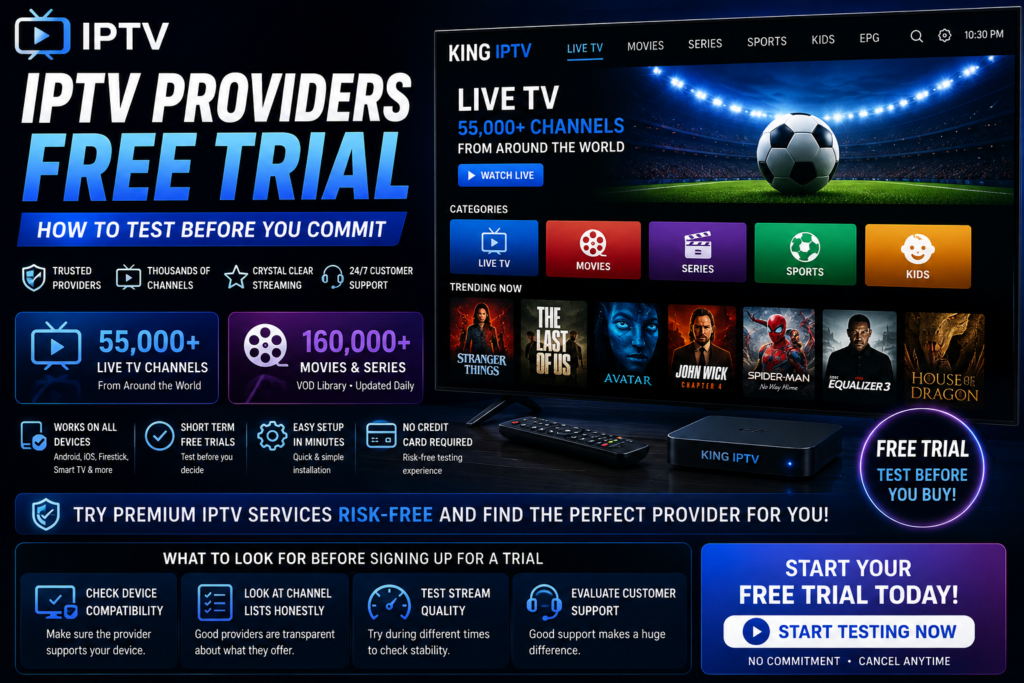
IPTV Providers Free Trial: How to Test Before You Commit
Finding the right IPTV service can feel overwhelming. There are dozens of providers, hundreds of channel packages, and pricing plans that all look the same on the surface. That’s exactly why a free trial matters so much. Before you hand over your hard-earned money, you want proof that the streams are stable, the channel list is accurate, and the app actually works on your device.
In this guide, we’ll walk through everything you need to know about IPTV providers free trial offers, what to look for, common pitfalls, and how ChromaIPTV makes the testing process simple and risk-free.
Why a Free Trial Matters When Choosing IPTV Providers
IPTV services vary wildly in quality. Two providers can advertise the exact same channel count, yet one delivers crisp, buffer-free streams while the other freezes every few minutes during peak hours. You simply cannot know this without testing it yourself.
A free trial removes the guesswork. It lets you check:
- Stream stability during prime-time viewing hours
- Actual channel count versus what’s advertised
- Compatibility with your Android device, Firestick, or Smart TV
- Video quality in HD, Full HD, or 4K where available
- Customer support responsiveness
- EPG (Electronic Program Guide) accuracy
Without a trial period, you’re essentially buying blind. Reputable providers understand this, which is why offering a short trial has become an industry standard for anyone serious about customer satisfaction.
What to Look for Before Signing Up for a Trial
Check Device Compatibility First
Not every IPTV app works smoothly on every platform. Some providers focus heavily on Android boxes and Firestick, while others build apps optimized for iOS or Smart TVs. Before you even start a trial, confirm the provider supports your specific setup. There’s no point testing a service on a device it wasn’t designed for.
Look at Channel Lists Honestly
Marketing pages often promise “10,000+ channels” but a large chunk of that number can be duplicate feeds, regional variations, or channels that rarely get used. During your trial, actually scroll through the guide and check for the specific channels or sports packages you care about.
Test During Peak Hours
Anyone can show you a smooth stream at 3 AM on a Tuesday. The real test happens on Saturday night during a big game or a popular show’s premiere. If a provider’s trial holds up during high-traffic periods, that’s a strong signal of reliable server infrastructure.
Review the Trial Length
Trial periods typically range from a few hours to a few days. Anything shorter than a couple of hours barely gives you time to test different channels and content types. Look for providers offering enough time to properly evaluate the service.
Comparing Free Trial Offers: What’s Typical in the Market
Here’s a general overview of what you’ll commonly find when researching IPTV providers free trial options:
| Feature | Typical Free Trial | What to Watch For |
|---|---|---|
| Trial Duration | 1 hour to 24 hours | Shorter trials may not show true performance |
| Channel Access | Full or limited channel list | Some limit trials to a small selection |
| Device Support | Android, Firestick, Smart TV, iOS | Confirm your device is included |
| Signup Requirements | Email or basic account info | Avoid providers asking for full payment upfront |
| Support During Trial | Live chat or ticket system | Test their response time before committing |
This table gives you a rough benchmark, but individual providers can differ quite a bit. That’s why it helps to go with a service that’s transparent about what the trial includes from the start.
How ChromaIPTV Approaches Free Trials
ChromaIPTV built its trial process around one simple idea: let people see the quality for themselves before asking for a commitment. Instead of hiding behind vague marketing claims, ChromaIPTV gives new users direct access to test streams, channel guides, and app performance across supported devices.
You can check out the current trial offer directly here: https://chromaiptv.com/26-free-iptv-trial/. The setup process is straightforward, and it typically takes just a few minutes to get connected and start testing content.
What makes this approach useful is that it removes pressure. You’re not locked into a long-term plan just to find out later that the service doesn’t fit your needs. Instead, you get a realistic preview of what daily use would actually look like.
Setting Up Your IPTV Trial on Android
Android remains one of the most popular platforms for IPTV streaming, thanks to its flexibility and wide app support. Here’s a general walkthrough of what the setup process usually looks like:
Step 1: Choose Your App
Most IPTV providers recommend a specific player app, such as IPTV Smarters, TiviMate, or a similar player. Download the recommended app from the Google Play Store or sideload it if you’re using a Firestick.
Step 2: Enter Your Trial Credentials
Once you sign up for a trial, you’ll typically receive a username, password, and server URL, or a single M3U playlist link. Enter these details into your chosen app.
Step 3: Load the Channel List
Give the app a moment to load the full channel guide. This is a good time to check whether categories are organized logically and whether the EPG data lines up correctly with actual programming.
Step 4: Test Multiple Channels and Times
Don’t just watch one channel for five minutes and call it done. Flip through sports, news, movies, and international channels if that matters to you. Try streaming at different times of day to get a full picture of performance.
Common Mistakes People Make During a Free Trial
A lot of users rush through their trial period without really testing what matters. Here are a few mistakes worth avoiding:
- Only testing one channel. Stream quality can vary between channels and servers, so spread your testing around.
- Ignoring peak hours. Testing only late at night hides potential congestion issues.
- Skipping the support test. Send a message to customer support during your trial to see how quickly and helpfully they respond.
- Not checking on multiple devices. If you plan to watch on both a Firestick and a phone, test both during the trial.
- Forgetting to check EPG accuracy. A wrong program guide can make live TV navigation frustrating.
Why Android Users Should Pay Extra Attention
Android-based streaming devices are incredibly popular for IPTV because of their affordability and flexibility. However, this also means performance can vary depending on the box or phone you’re using. Older Android boxes with limited RAM may struggle with HD or 4K streams, even if the IPTV service itself is solid.
During your trial, pay attention to buffering, app crashes, or lag when switching channels. If problems persist across multiple channels and times, it may point to a device limitation rather than a provider issue. Testing on more than one Android device, if possible, can help you isolate the real cause.
Questions to Ask Before Committing to a Paid Plan
Once your trial period wraps up, take a moment to reflect honestly on the experience. Ask yourself:
- Did the stream buffer or freeze during normal viewing?
- Were all the channels I actually watch included and working?
- Did customer support respond promptly to questions?
- Was the app easy to navigate on my device?
- Does the pricing match the quality I experienced?
If you can answer yes to most of these, you’ve likely found a provider worth continuing with. If not, it’s better to keep looking than to commit to a subscription that won’t meet your expectations.
Internal Resources to Explore
If you’re still comparing options, it helps to read more before making a final decision. Check out the ChromaIPTV blog for detailed guides on channel packages, device setup tutorials, and streaming tips. You can also browse the ChromaIPTV homepage to see current plans and pricing once you’re ready to move past the trial stage.
Final Thoughts on Testing IPTV Providers Free Trial Offers
A free trial is one of the smartest tools you have when shopping for an IPTV service. It costs you nothing but a bit of time, and it can save you from a frustrating subscription that doesn’t deliver. Take the process seriously, test thoroughly, and don’t be afraid to ask questions before you commit.
ChromaIPTV offers a straightforward way to experience the service firsthand without pressure or hidden strings attached. If you’re curious about how it performs on your own setup, there’s no better way to find out than trying it yourself.
Frequently Asked Questions
What is an IPTV free trial?
An IPTV free trial is a short period, usually a few hours to a day or two, where a provider allows you to test their streaming service before purchasing a full subscription. It typically includes access to live channels, an electronic program guide, and sometimes video on demand content.
How long does a typical IPTV trial last?
Trial lengths vary by provider, ranging anywhere from one hour to a full 24-hour period. Longer trials generally give you a better sense of real-world performance, especially during peak viewing times.
Do I need special equipment for an IPTV trial?
Not usually. Most trials work on Android phones, Android TV boxes, Firestick devices, and sometimes Smart TVs or iOS devices. You’ll just need a compatible player app and a stable internet connection.
Is it safe to try IPTV providers free trial offers?
Yes, as long as you’re using a legitimate provider that doesn’t require full payment information upfront just to access a trial. A trustworthy service will make the process simple and low-risk.
Can I test IPTV on multiple devices during one trial?
Many providers allow limited simultaneous connections even during a trial, though this varies. Check the specific terms of your trial to confirm how many devices or streams are supported at once.
What should I do if the trial doesn’t work well?
If you experience frequent buffering, missing channels, or unresponsive support during your trial, it’s a good sign to look elsewhere. The whole purpose of

